
Image Resizer & Compressor PRO
Resize Photo Dimensions (px), Fix Lighting, Set 200 DPI & Compress to Exact 20KB, 50KB, or 100KB for Govt Job & Online Form Submissions.
Select Or Drag & Drop Photo Here
Supports JPG, JPEG, PNG, WEBP (Up to 25MB)
1. Select Form Preset
OnlineSuru IMAGE RESIZER
Resize Pixels & Compress File Size in Exact KB 100% Free
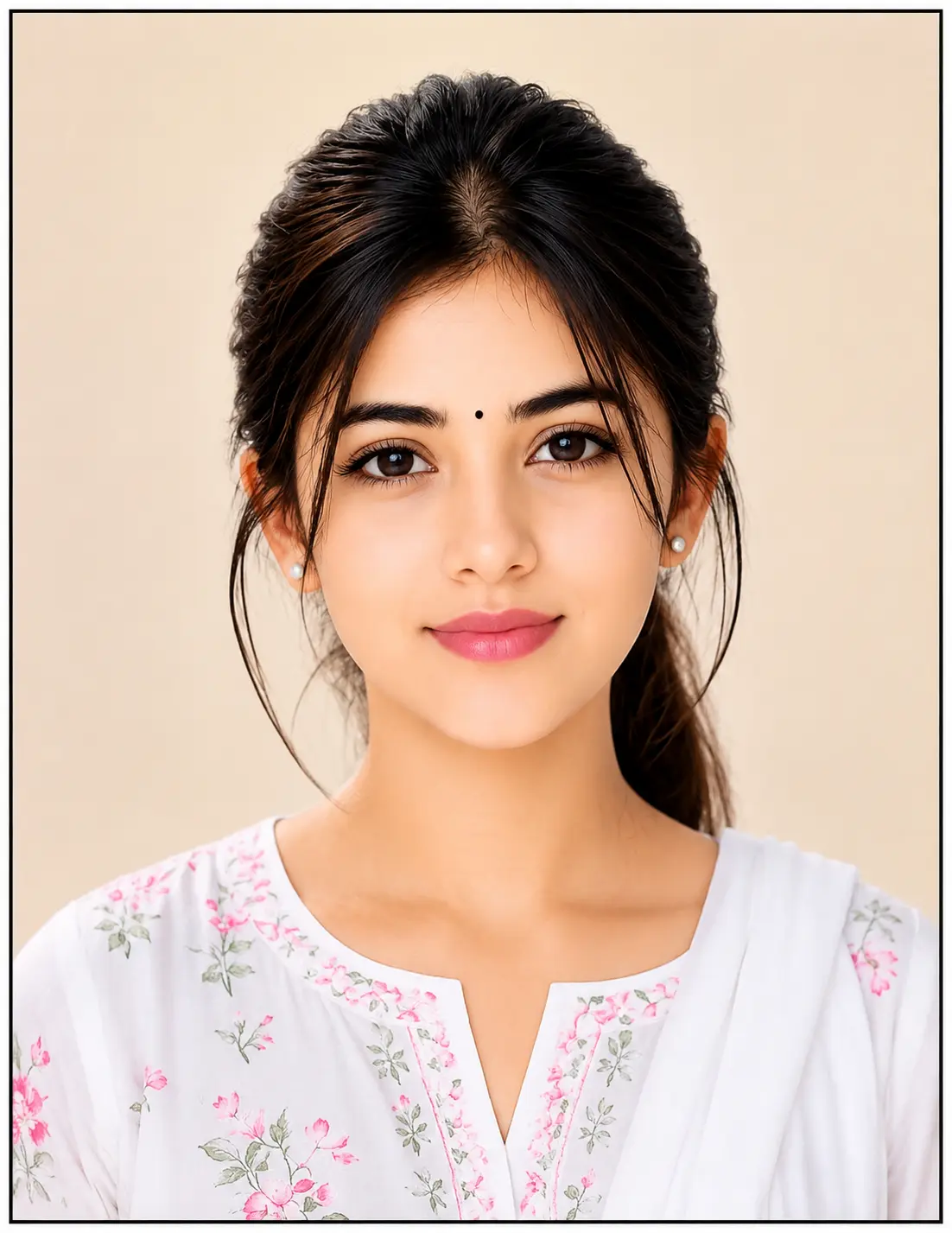
Ultimate Online Photo Resizer, DPI Setter & Exact KB Compressor
Applying for state or central government recruitments like SSC (CGL, CHSL, MTS, GD), UPSC Civil Services, Banking (IBPS, SBI), Railway (RRB), India Post GDS, or updating an NSDL / UTI PAN Card? Most online recruitment portals immediately reject application forms if the uploaded photograph or signature does not match rigid specifications for pixel dimensions, aspect ratio, resolution (DPI), or maximum file size in kilobytes (KB).
The OnlineSuru Image Resizer PRO is built specifically for candidates and CSC operators across India. It is powered by client-side HTML5 canvas algorithms that let you adjust photo lighting, straighten tilted angles, crop exactly to government specifications, embed 200/300 DPI, and compress the file to an exact target KB limit (such as 20KB or 50KB) with zero server uploads and zero privacy risks.
Official Govt Job Photo & Signature Specifications Reference
| Exam / Agency | Document Type | Required Dimensions | File Size Limit | DPI Setting |
|---|---|---|---|---|
| SSC (Staff Selection Commission) | Passport Photo | 200 x 230 px (3.5cm x 4.5cm) | 20 KB – 50 KB | 100 - 200 DPI |
| PAN Card (NSDL / UTIITSL) | Applicant Photo | 213 x 213 px (2.5cm x 2.5cm) | < 30 KB | Strictly 200 DPI |
| UPSC (Civil Services, NDA, CDS) | Passport Photo | 350 x 350 px (Min) – 1000 x 1000 px | 20 KB – 300 KB | Auto / 300 DPI |
| IBPS / SBI Banking Forms | Photo & Signature | 200 x 230 px (Photo) | 140 x 60 px (Sign) | 20-50 KB (Photo) | 10-20 KB (Sign) | 200 DPI |
| India Post (GDS Recruitment) | Photo & Signature | 200 x 230 px (Photo) | Max 50 KB | 200 DPI |
Step-by-Step Guide: How to Resize and Compress Photo
- Upload File: Tap the upload zone to browse and select your passport photo or cropped signature from your smartphone gallery or PC storage.
- Select Predefined Preset: Pick from ready-made presets like SSC (200x230 | 50KB), PAN NSDL (213x213 | 200 DPI), or choose Custom Crop to enter your own exact width and height in pixels.
- Correct Rotation: If your mobile camera captured your picture sideways or upside down, use the Rotate Left or Rotate Right buttons to orient it upright.
- Fine-Tune Brightness & Contrast:
- For Photos: Move Brightness to 105%-115% to brighten shadows across your eyes and face.
- For Signatures: Boost Contrast to 130%-145% to turn paper backgrounds completely white and ink strokes crisp black.
- Align the Crop Box: Drag the crop box over your head, neck, and upper shoulders. Both ears and eyes should sit centered within the grid.
- Generate & Download: Click Resize & Compress. The binary search engine will output the picture to your target kilobyte limit and attach proper DPI tags. Hit Download Photo to save.
Why Our Compression Engine Beats Standard Tools
Exact KB Padding (No Rejections)
Government portals often show errors like "File size must be greater than 20 KB" if standard tools compress it too much. Our engine guarantees your file stays right inside the requested boundary (e.g. 45–48 KB for a 50 KB max limit).
True JFIF Binary 200 DPI Header
NSDL and UTI verification portals check internal EXIF/JFIF headers for 200 DPI. Our tool directly modifies APP0 markers so your file complies with automated verification scanners.
Bicubic Anti-Aliasing (HD Facial Detail)
Shrinking photos down to 200x230 pixels can introduce jagged borders or blurry eyes. We apply high-precision downsampling to retain crisp eyes, ears, and clean facial contours.
100% On-Device Privacy Guaranteed
Your photographs are never sent over the internet or saved to third-party databases. Every single crop, filter, and compression step runs exclusively in your browser's local sandbox.
Frequently Asked Questions (FAQs)
Everything you need to know about photo dimensions, DPI requirements, and file size limits for online forms.
1. What is the standard photo size for SSC CGL, CHSL, and GD forms?
SSC recruitment notifications require passport-size photographs to measure 200 x 230 pixels (Width: 3.5 cm x Height: 4.5 cm) with file weight strictly between 20 KB to 50 KB in JPG/JPEG format.
2. How to set 200 DPI and 213x213 pixels for an NSDL/UTI PAN Card?
Choose our PAN (NSDL/UTI) preset. It sets dimensions to 213 x 213 pixels, writes 200 DPI into the JPEG APP0 segment, and compresses the final file under the mandatory 30 KB boundary.
3. How do I fix a dark face or shadowy photo without Photoshop?
Use the Brightness slider below the cropper. Increasing brightness to 110%–120% removes facial darkness and shadows, and adjusting contrast to 105% keeps facial features sharp.
4. How can I clean up mobile photos of signatures to make the paper white?
Upload your signature photo, increase Contrast to 135%–150% and Brightness to 115%–125%. This turns gray paper shadows white while making the blue or black pen strokes clean and dark.
5. Why do job portals reject files saying "File size must be over 20 KB"?
Standard compressors often drop files down to 10–15 KB. Our engine uses byte-accurate binary padding to ensure the final file sits safely between 35 KB and 48 KB, preventing rejection.
6. What are the photo dimensions for UPSC Civil Services and NDA forms?
UPSC forms require passport images between 350 x 350 pixels (minimum) and 1000 x 1000 pixels (maximum), with file sizes strictly between 20 KB and 300 KB.
7. How does setting DPI inside image metadata work?
DPI (Dots Per Inch) is a print-density parameter. Our tool updates the internal JFIF metadata header to reflect 200, 300, or 600 DPI, satisfying automated portal checks without requiring desktop image editors.
8. Why does my photo get blurry when reducing to 20 KB or 50 KB?
Poorly optimized tools lower quality drastically. Our engine uses downsampling and binary-search compression to compress files smoothly, keeping eyes, hair, and edges sharp.
9. Is it safe to upload private identity photos on OnlineSuru?
Yes, 100% safe. All calculations, cropping, and compression run strictly inside your web browser's RAM via JavaScript. Your images are never uploaded to or stored on any server.
10. Can I use this image resizer tool on my mobile phone?
Yes. The interface is optimized for touch screens with large drag handles, rotate buttons, and fluid mobile browser support on Android and iPhone devices.
Running Exact KB Algorithm...
Applying pixel lighting and setting binary DPI...