
AI Background Remover
Remove backgrounds automatically. Drag & Resize photo on Custom Backgrounds!
Select Or Drag & Drop Image Here
Supports JPG, PNG, WEBP (Max 10MB)
Download Image
The Best AI Background Remover Online
Removing backgrounds from images has never been easier! The OnlineSuru Pro AI Background Remover uses advanced artificial intelligence to detect the main subject of your photo and erase the background with pixel-perfect accuracy in just seconds. Whether you are a professional designer, e-commerce seller, or a YouTuber, our free background remover tool handles it effortlessly. You can save your final images in high-quality PNG (Portable Network Graphics) format to maintain absolute transparency.
3 Easy Steps to Edit Photos
Remove, Resize, and Add Custom Backgrounds in Seconds
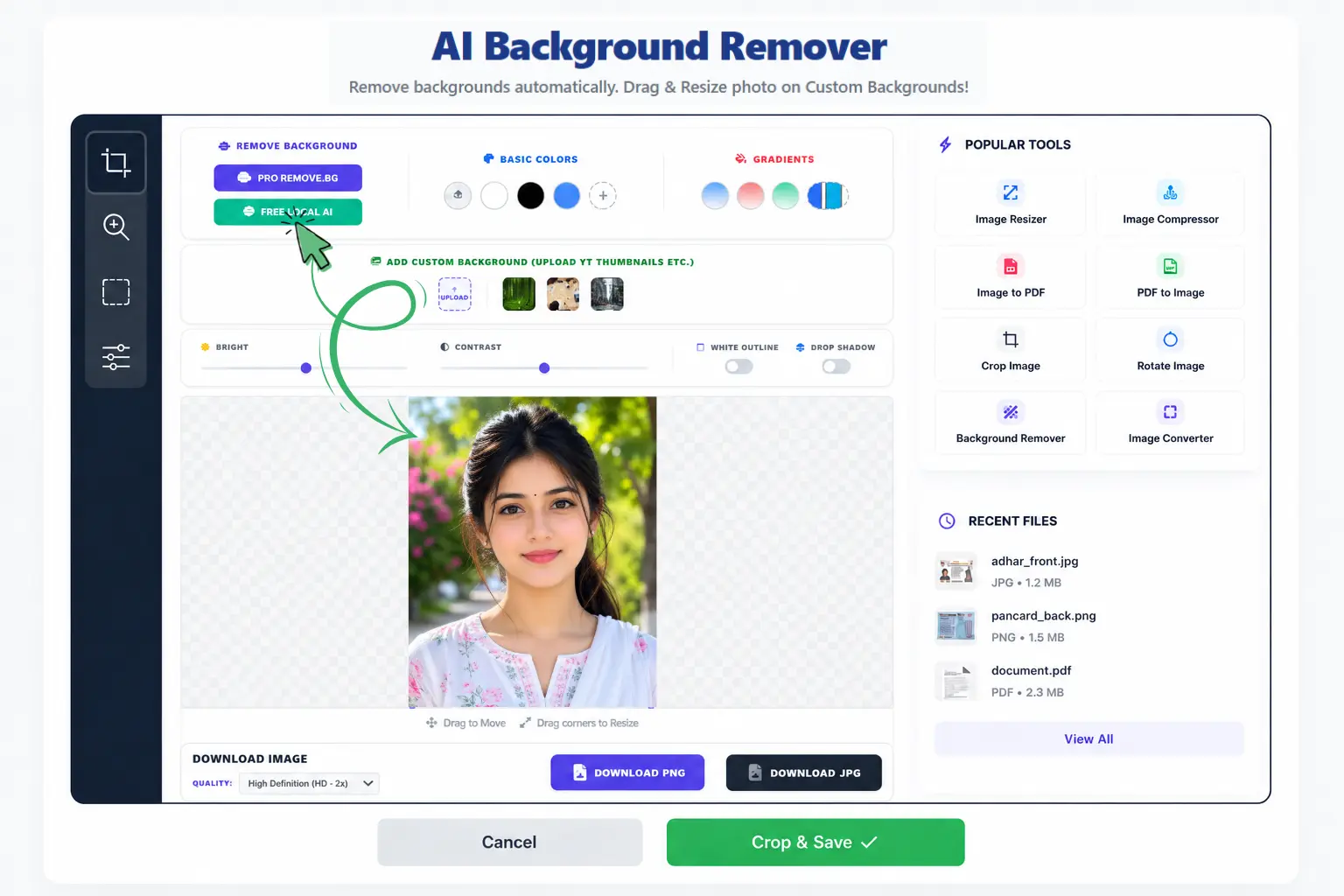
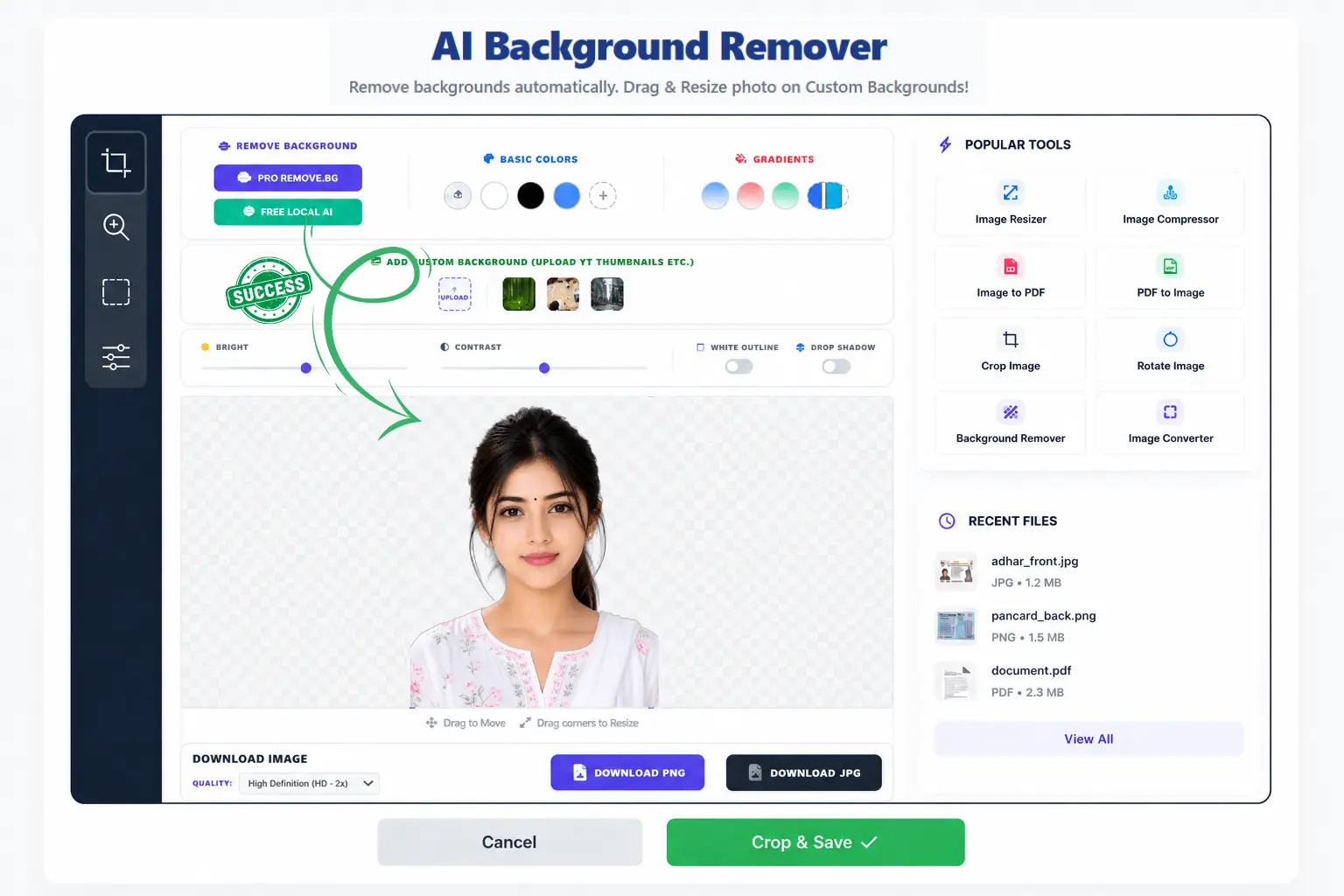
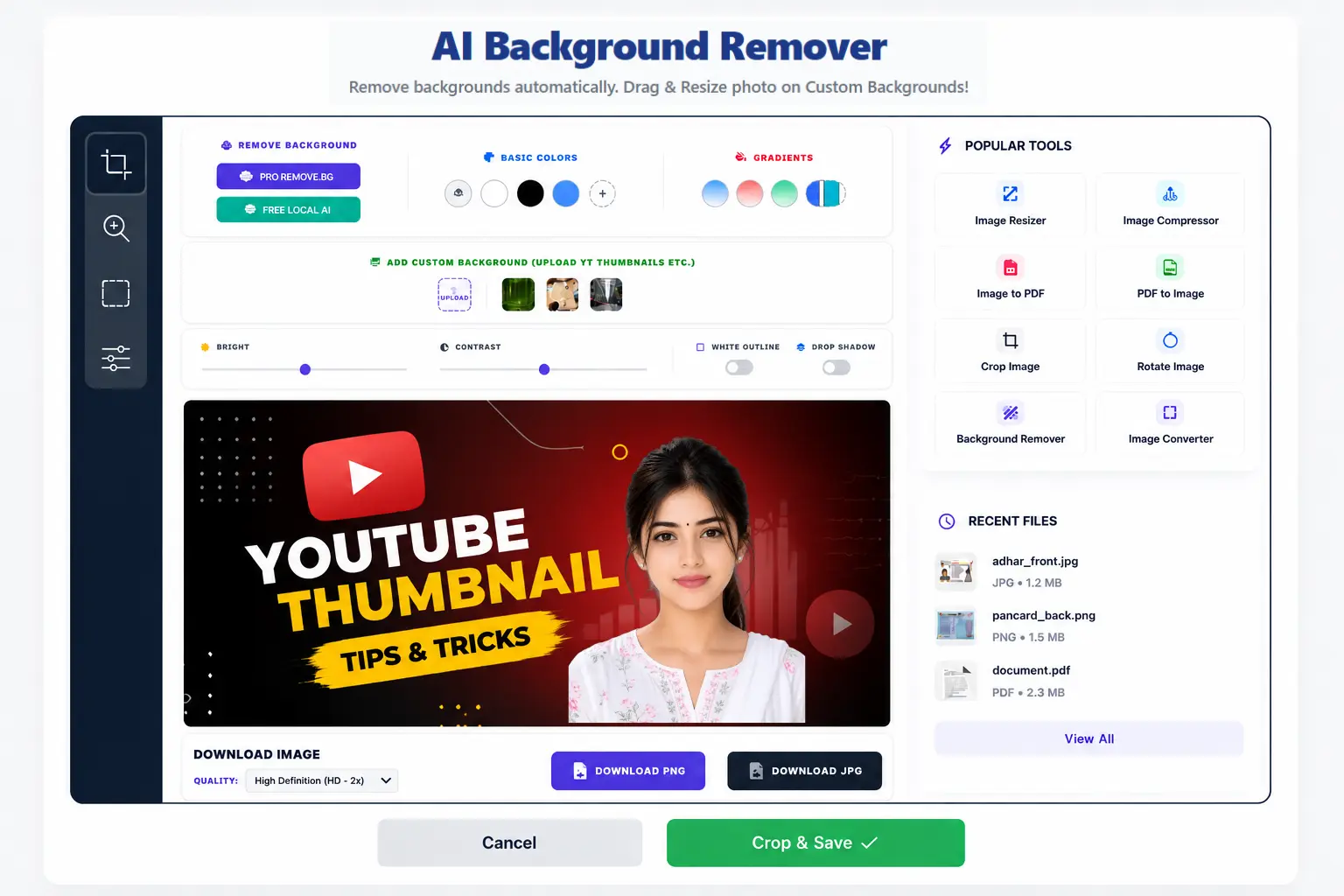
How to Use Our Background Eraser Tool:
- Upload Image: Select or drag & drop your photo. AI will remove the background instantly.
- Select New Background: Choose from solid colors, gradients, or upload your own custom image (like a YouTube thumbnail layout).
- Drag & Resize Foreground: Click on your photo in the editor. Use the blue handles to scale it, and drag it to reposition it perfectly.
- Add YouTube Sticker Outline: Toggle 'White Outline' to add a professional stroke around your adjusted photo.
- Exact Size Download: If you upload a custom background, the final image will download exactly in that original background size without cropping!
Frequently Asked Questions (FAQs)
1. Is this background remover tool completely free?
Yes, our tool is 100% free to use. You can process unlimited images, add white outlines, create drop shadows, and download your final edited photos in high definition without paying any hidden fees or dealing with annoying watermarks.
2. How do I add a white outline for my YouTube thumbnail?
It is incredibly simple! Once your image's background is removed, just click the "White Outline" toggle switch in our editor workspace. This instantly adds a clean, professional sticker-like border around your subject, which is perfect for catching attention on YouTube and other platforms.
3. Can I change the background of my official documents?
Absolutely. Our AI is highly trained to handle intricate edges, making it ideal for official documents. After removing the original background, you can click on the solid color options (like formal blue or white) to instantly apply a professional background suitable for passport photos or any other official requirement.
4. Does the image quality decrease after editing?
No, we prioritize quality. When you are ready to save, you can select 'High Definition (HD)' or 'Ultra HD (4K)' from the download quality menu. This ensures your transparent background image remains crystal clear and retains all its original details.
5. What formats are supported for uploading and downloading?
You can upload images in standard formats including JPG, JPEG, WEBP, and PNG. For exporting, we recommend downloading as a PNG file if you wish to keep the background transparent. If you have added a solid color or custom background, you can download it as either a PNG or a JPG depending on your project needs.
Experience the power of seamless image editing today. Whether you need a quick fix for a single photo or advanced adjustments for professional graphics, our AI background editor is designed to deliver perfect results every single time.