
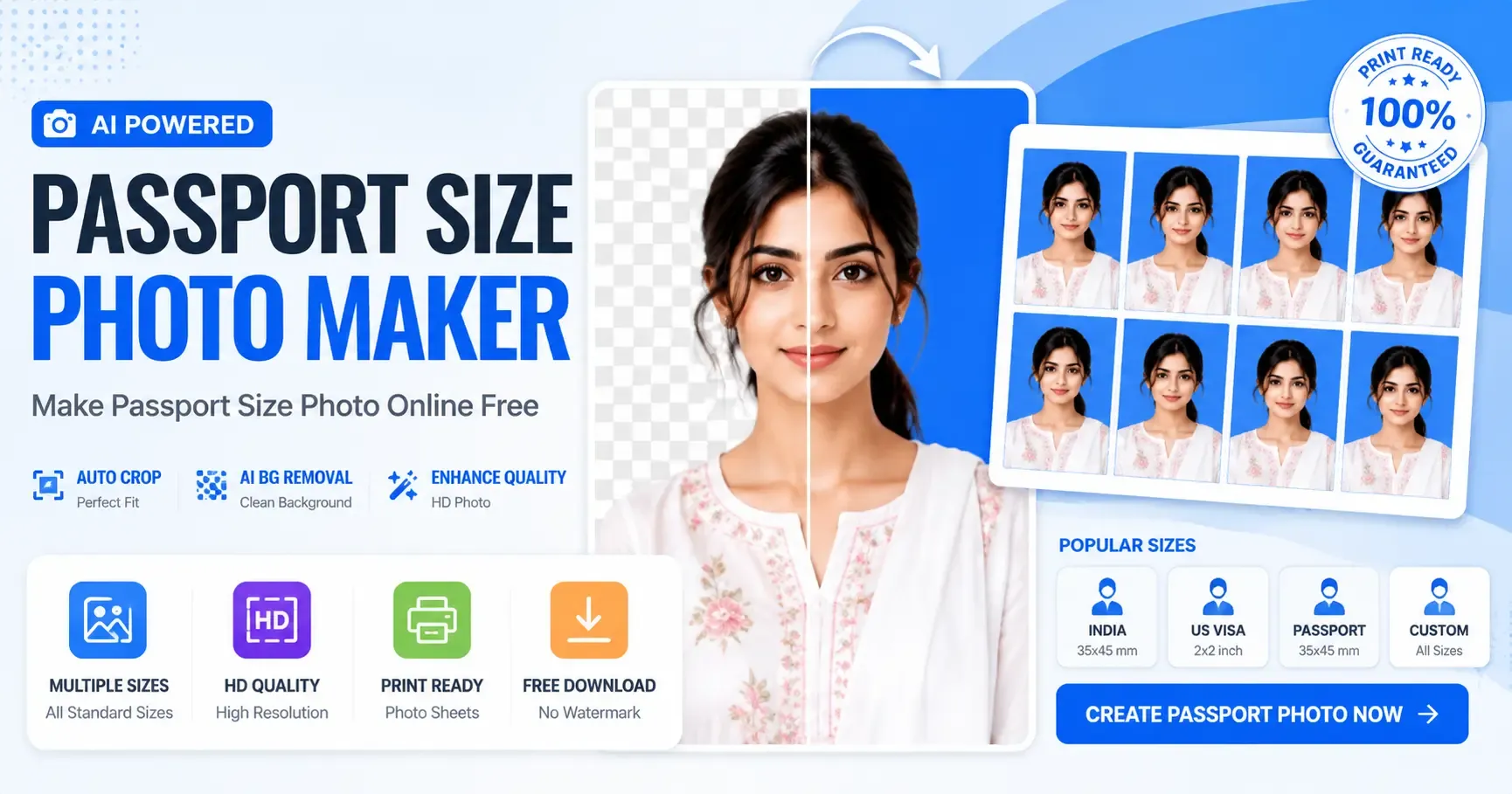
Passport Size Photo Maker – Make Passport Size Photo Online Free
Looking for the best Passport Size Photo Maker? You are in the right place.
With our Passport Photo Maker, you can make passport size photo online free in just a few clicks. Whether you need a passport photo for a passport application, visa, Aadhaar card, PAN card, driving licence, government job, college admission, or any official document, this tool makes the process simple, fast, and professional.
Unlike traditional photo studios, our Online Passport Photo Maker automatically crops your image, removes the background, improves quality, and creates a print-ready passport photo sheet.
What is Passport Size Photo Maker?
A Passport Size Photo Maker is an online tool that helps you create professional passport photos without visiting a studio.
Using our Passport Photo Maker, you can:
-
Remove Background Automatically
-
Change Background Color
-
Auto Crop Face
-
Enhance Photo Quality
-
Download HD Image
-
Print Passport Photo Sheet
-
Create Photos for Passport, Visa, Aadhaar, PAN, and Government Forms
Everything works directly in your browser.
Why Choose Our Passport Photo Maker?
Our Passport Photo Maker Online Free is designed for speed, accuracy, and quality.
Key Features
✔ AI Background Removal
✔ Automatic Face Detection
✔ Smart Auto Crop
✔ HD Image Quality
✔ Passport Photo Sheet Generator
✔ Multiple Standard Sizes
✔ Free Download
✔ Print Ready Format
✔ Mobile Friendly
✔ No Watermark
✔ Fast Processing
How to Make Passport Size Photo Online Free
Creating your passport photo is simple.
Step 1 – Upload Your Photo
Choose a clear photo from your phone or computer.
Supported formats:
-
JPG
-
JPEG
-
PNG
-
WEBP
Step 2 – Remove Background
Our AI automatically removes the background.
You can also select:
-
White Background
-
Blue Background
-
Light Blue Background
-
Grey Background
-
Custom Background
Step 3 – Auto Crop
The Passport Photo Maker automatically aligns your face according to official passport guidelines.
No manual editing required.
Step 4 – Improve Image Quality
Enhance:
-
Brightness
-
Contrast
-
Saturation
-
Sharpness
to create a professional passport photo.
Step 5 – Download
Download your photo in:
-
JPG
-
PNG
-
PDF
-
Passport Photo Sheet
Ready for printing.
Passport Photo Sizes Supported
Our Online Passport Photo Maker supports multiple international standards.
Examples include:
-
India Passport Size Photo
-
Visa Photo
-
Aadhaar Photo
-
PAN Card Photo
-
Driving Licence Photo
-
Government Job Form Photo
-
ID Card Photo
-
Student ID Photo
-
Employee ID Photo
Benefits of Using Passport Photo Maker Online
Why use an online passport photo maker?
Save Time
No need to visit a photo studio.
Save Money
Create unlimited passport photos for free.
Better Quality
AI enhances image quality automatically.
Easy to Use
No editing experience required.
Works Everywhere
Compatible with desktop, tablet, and mobile devices.
Tips for the Best Passport Photo
Follow these guidelines:
-
Look directly at the camera.
-
Keep a neutral facial expression.
-
Use good lighting.
-
Avoid blurry images.
-
Remove hats and sunglasses.
-
Keep both ears visible if required.
-
Wear plain clothing.
-
Use a high-resolution image.
These tips help ensure your photo meets official requirements.
Why Our Passport Photo Maker is Better
Compared to many online tools, our Passport Photo Maker offers:
-
Faster processing
-
AI background removal
-
Higher image quality
-
Automatic cropping
-
Multiple download options
-
Print-ready passport sheets
-
Easy mobile support
-
No software installation
-
Free online access
Frequently Asked Questions (FAQs)
Is Passport Size Photo Maker free?
Yes. You can make passport size photos online free.
Can I remove the background?
Yes.
Our AI removes the background automatically.
Can I create passport photos on my phone?
Absolutely.
The tool works on Android, iPhone, tablets, and desktops.
Which formats are supported?
JPG, PNG, and PDF.
Can I print passport photos?
Yes.
You can download a print-ready passport photo sheet.
Does it support government document photos?
Yes.
Suitable for:
-
Visa
-
Aadhaar
-
PAN Card
-
Driving Licence
-
Government Jobs
-
College Admission
-
Employee ID
Why Millions Prefer Online Passport Photo Maker
People prefer online tools because they are:
-
Faster
-
More affordable
-
Easy to use
-
AI-powered
-
Mobile friendly
-
Print ready
-
High quality
Final Thoughts
If you're searching for the best Passport Size Photo Maker, our tool is the perfect choice. You can make passport size photo, create passport size photo, and use a passport size photo maker online free without any technical skills.
With AI-powered background removal, automatic face alignment, HD enhancement, and print-ready downloads, our Passport Photo Maker provides everything you need in one place.
Start creating your professional passport photo today and enjoy a fast, secure, and completely online experience.
IMPORTANT LINKS
| OPEN LINK | Click HereNEW |